Flick opens MKV, AVI and WebM, streams from your NAS or media server, and gets subtitles right. No account, no ads, no tracking.
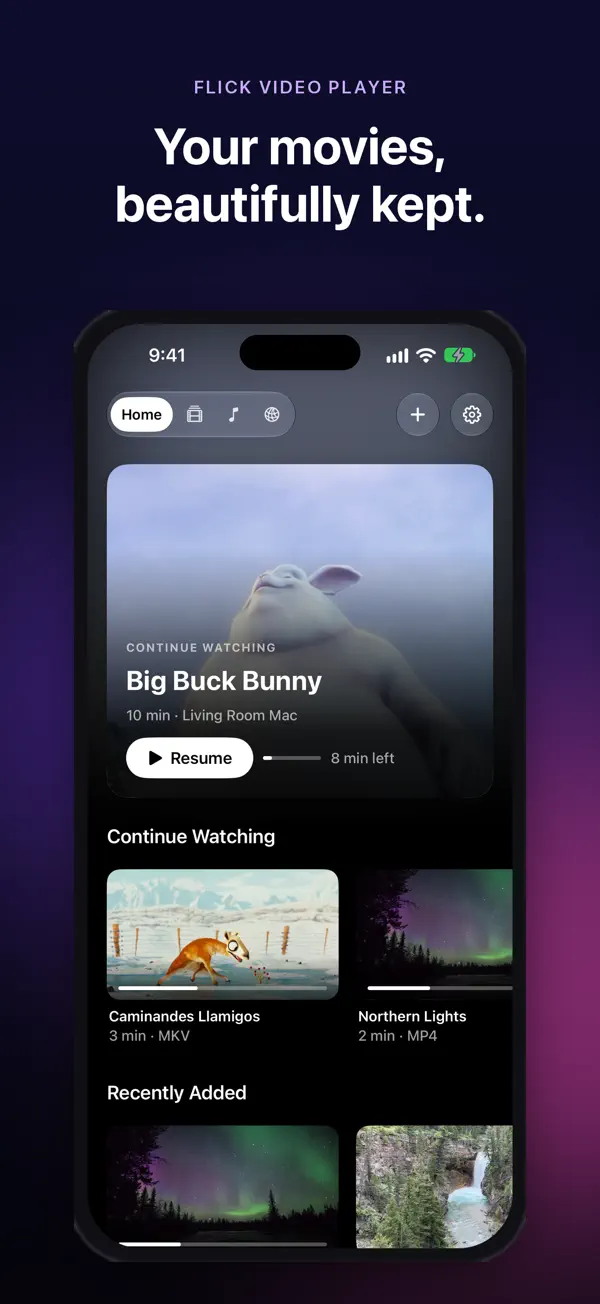
Open a file, paste a link or pick a server on your network. Flick works out the rest.
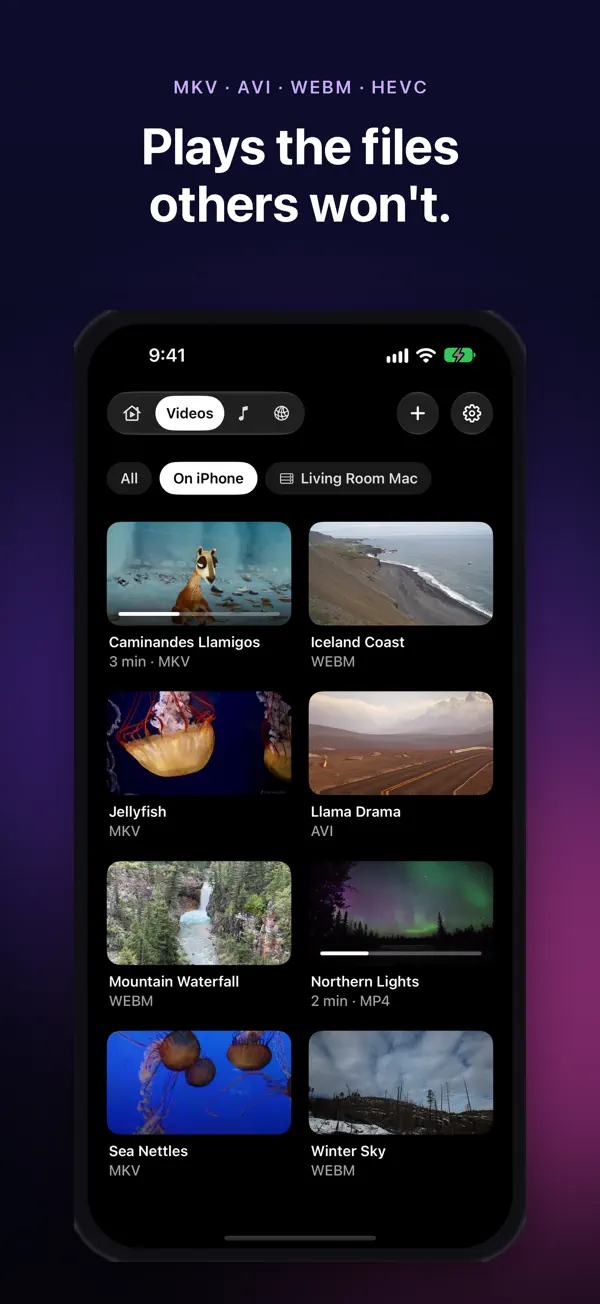
MP4, MOV and HLS play with Apple's hardware decoder. Everything else goes to a built-in libVLC engine. If one fails, Flick tries the other on its own.
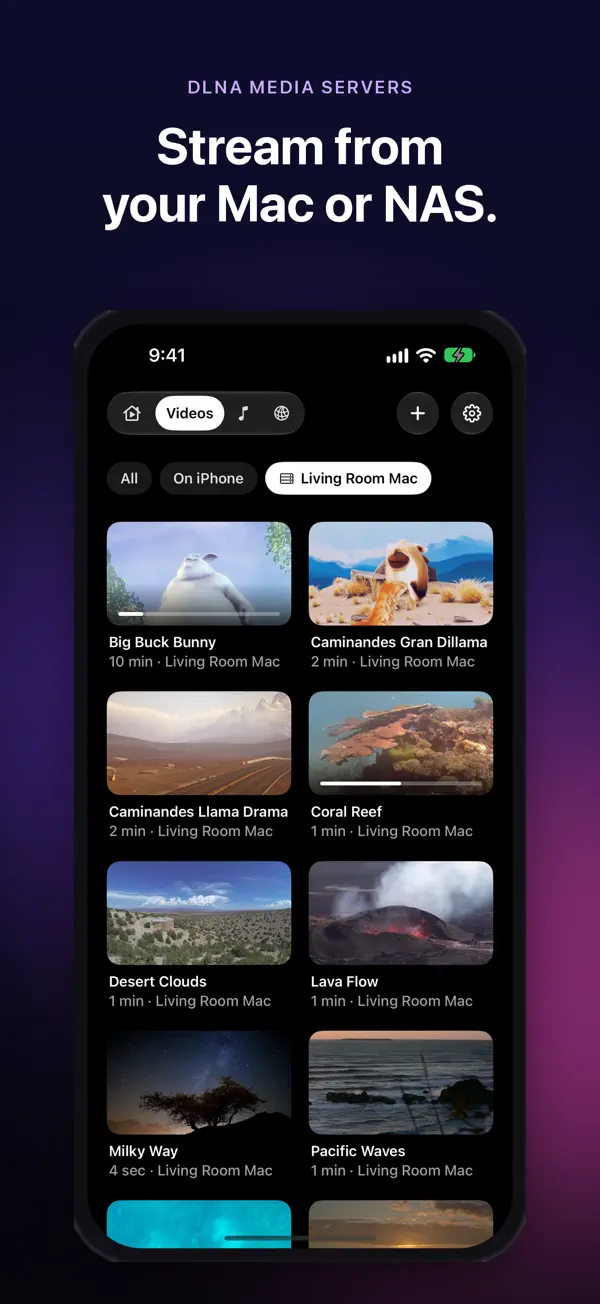
Flick finds media servers on your Wi-Fi, like the ones in many NAS drives and routers. Browse folders, albums and cover art.
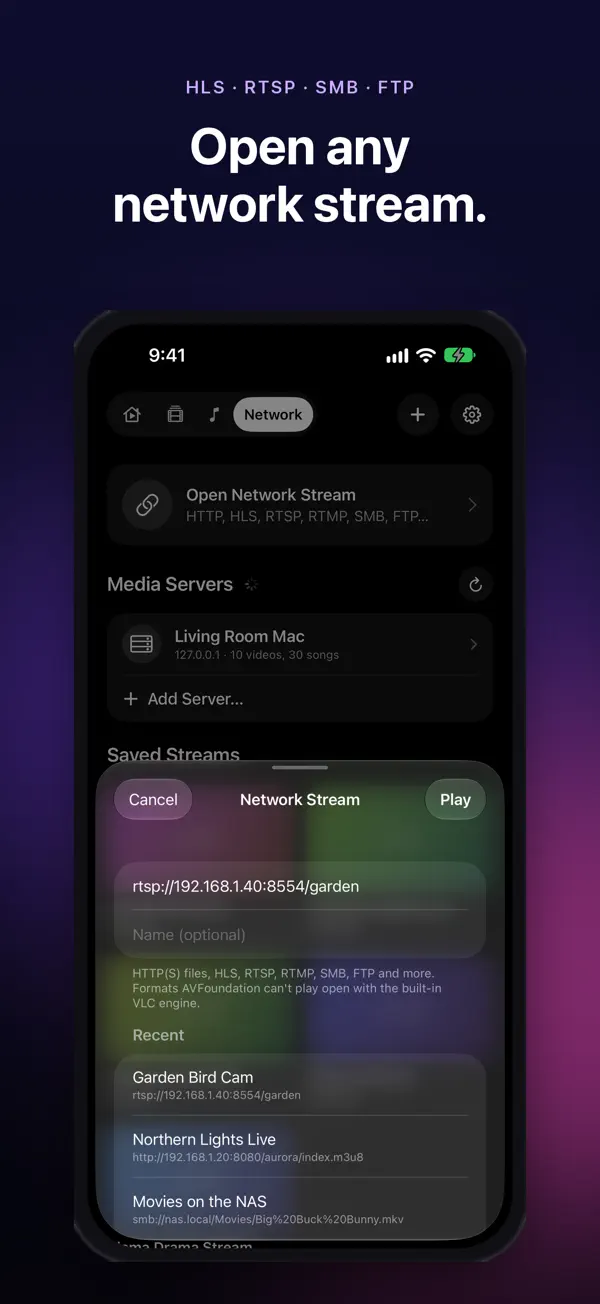
Paste a link: HTTP and HTTPS files, HLS (m3u8), RTSP, RTMP and more.
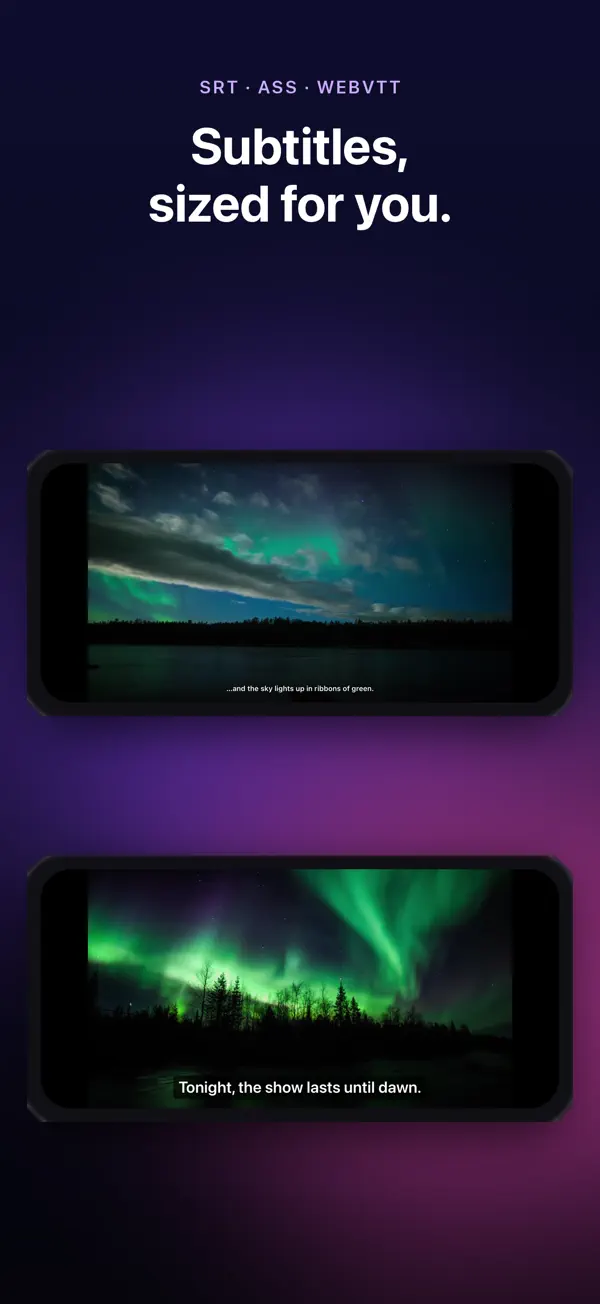
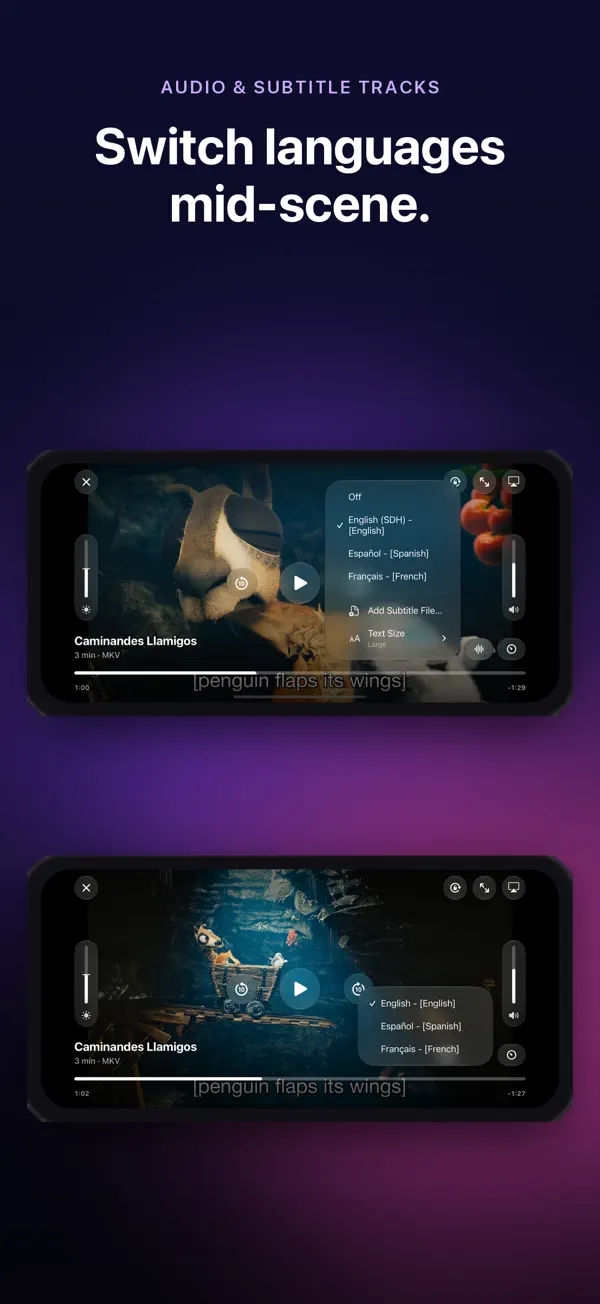
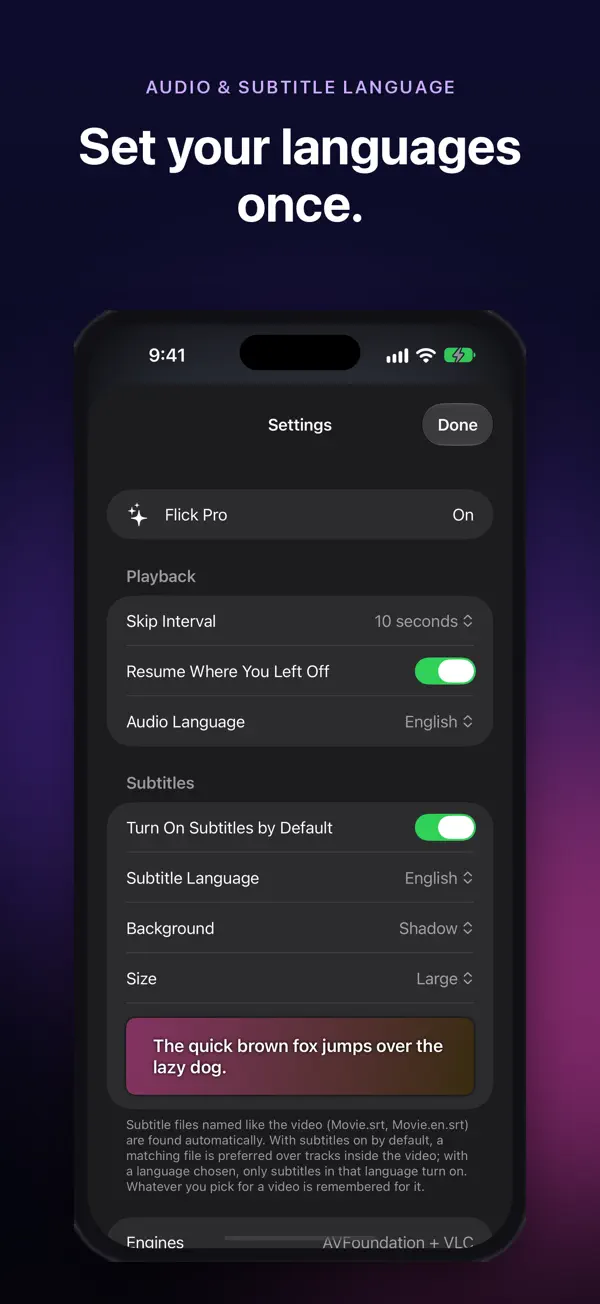
SRT, WebVTT and ASS/SSA in any text encoding. Movie.srt and Movie.en.srt are picked up automatically. Adjust delay, size and background.
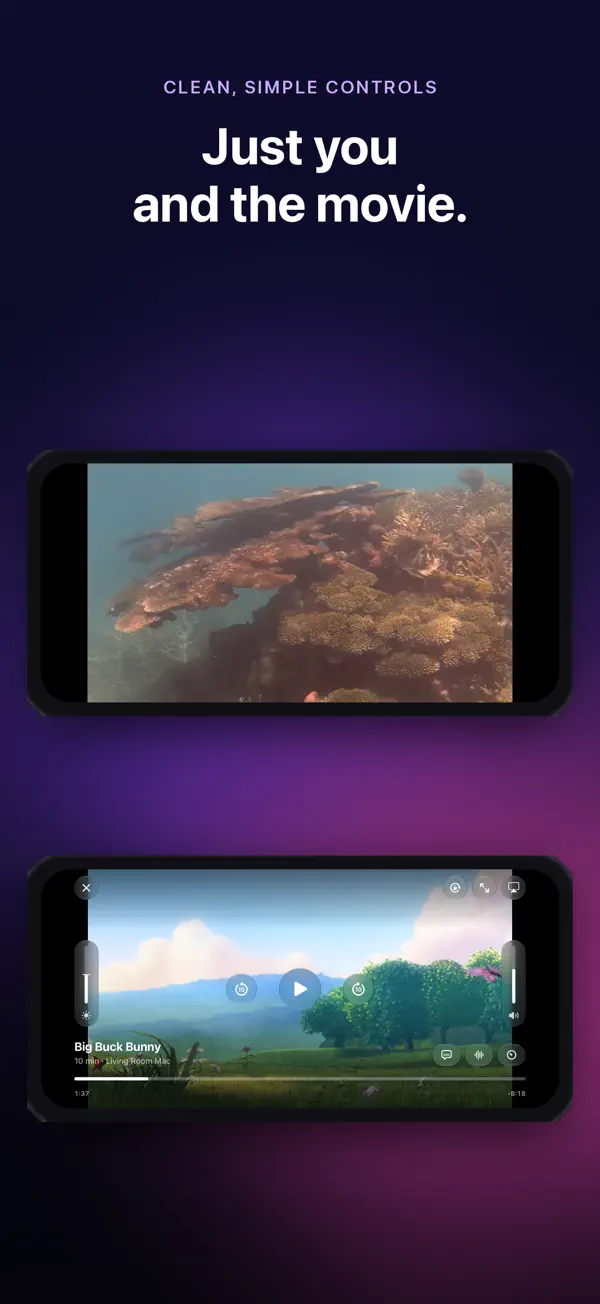
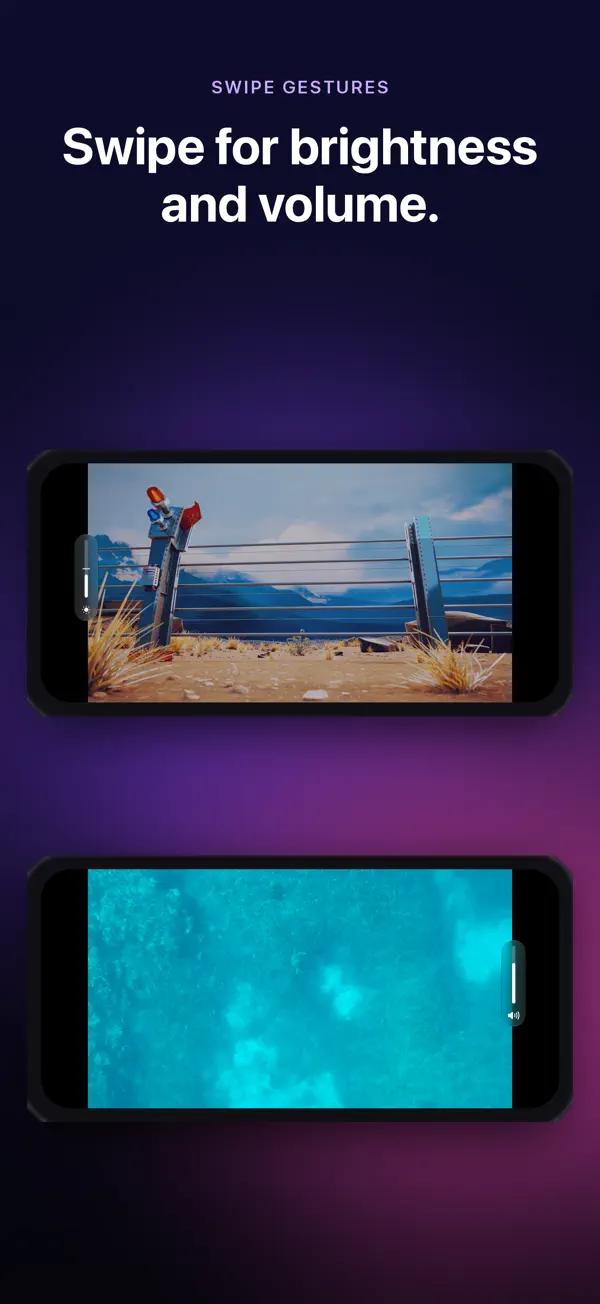
Swipe the left side for brightness and the right for volume. Speed from 0.5x to 2x, fit or fill, rotation lock, resume where you left off.
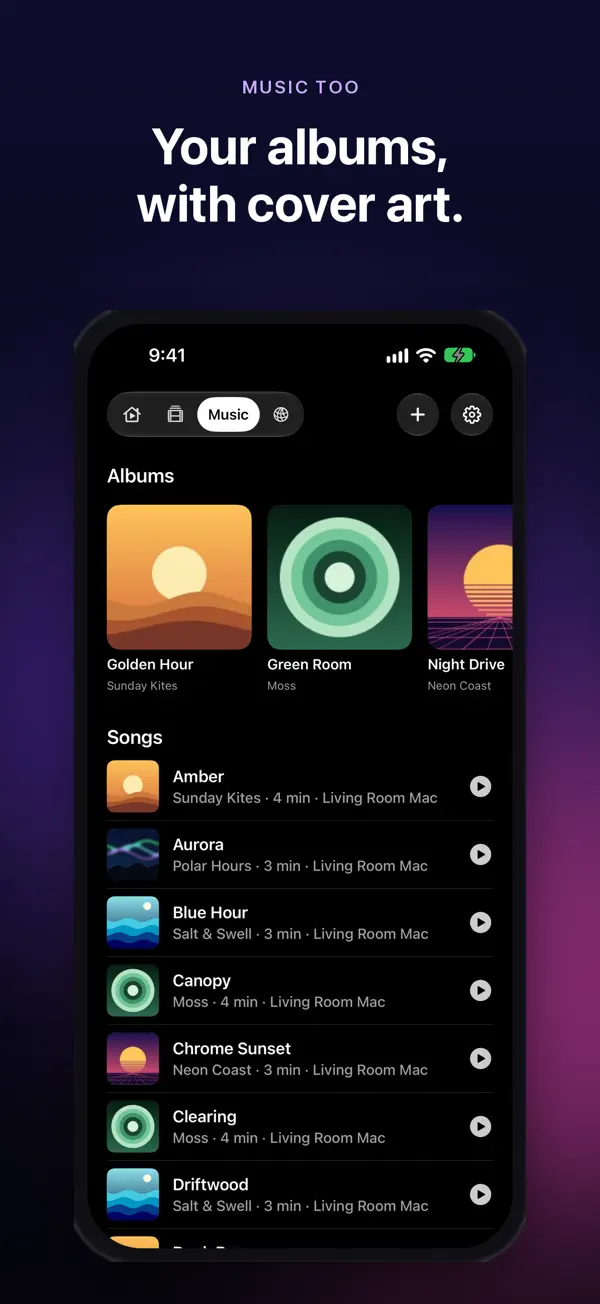
Keep audio playing with the screen off, with controls on the Lock Screen. Your albums get cover art too.
Try the free version first. Upgrade only if your files or your server need it.
Free
Monthly, yearly or lifetime
The yearly plan starts with a 3-day free trial. The app shows prices in your local currency.
Flick has no account, no analytics and no ads. Your library stays on your device. The app only connects to the links and servers you choose and to media servers on your own network. Its App Store privacy label reads Data Not Collected.
Yes. Flick plays MKV, AVI, WebM and other formats with a built-in engine based on libVLC. These formats are part of Flick Pro. MP4, MOV and HLS play free.
Flick is free to download and plays MP4, MOV and HLS from your files and links at no cost. Flick Pro adds every other format and playback from DLNA / UPnP media servers. You can pay monthly, yearly (with a 3-day free trial) or once for lifetime access.
If your NAS or router runs a DLNA / UPnP media server (Synology, QNAP, Asus, Plex DLNA, Jellyfin DLNA, Emby and many others), Flick finds it on your Wi-Fi. You can also add a server by its address.
Yes. Add your server by its Tailscale or VPN address and Flick plays from it as if you were at home.
Connect your iPhone, open it in Finder, go to the Files tab and drag videos onto Flick. You can also import from the Files app or open videos in place without copying them.
No. Flick has no account, no analytics and no ads, and its App Store privacy label says Data Not Collected. It only connects to the links and servers you choose.
iPhone and iPad on iOS / iPadOS 26 or later, Macs with Apple silicon, and Apple Vision Pro. It also has layouts for iPhone Duo: cover screen, unfolded and half open.
No. Flick doesn't include any videos or music. It plays media you already have or can access.
Free on the App Store for iPhone, iPad and Mac.
 Flick